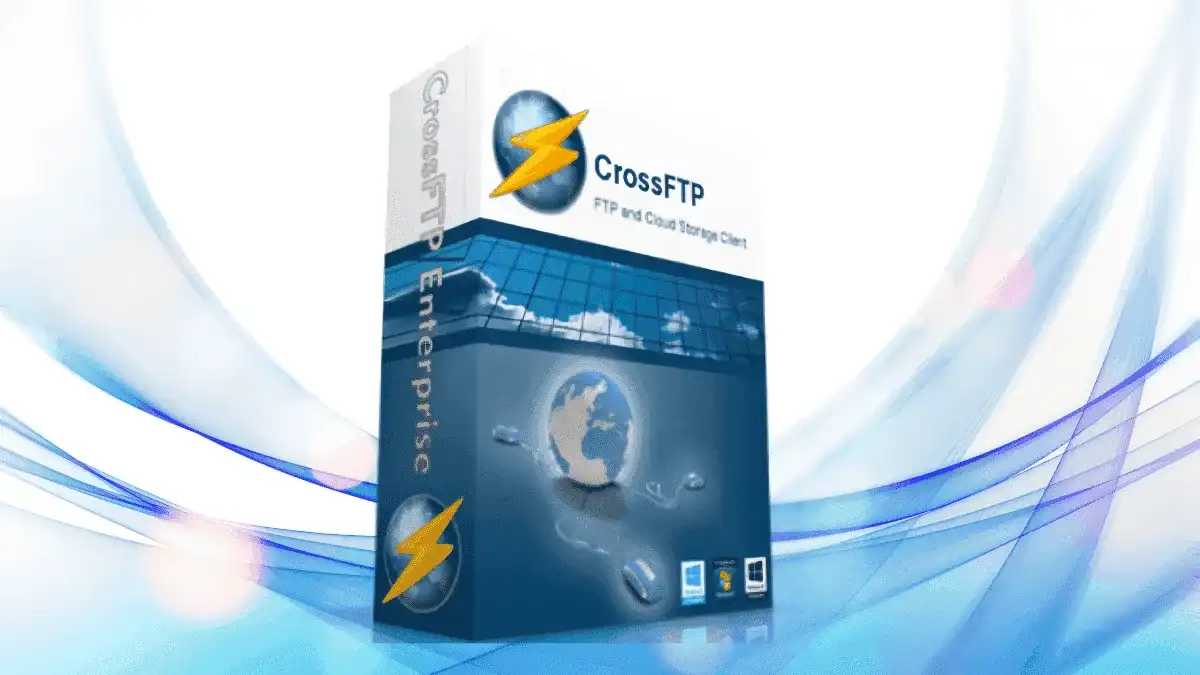
CrossFTP Enterprise is a professional FTP client designed for Windows users who need a reliable, fast, and feature-rich file transfer solution. Its traditional two-pane browser-like interface makes it easy to learn and use, while the multi-tab design allows you to connect to and manage multiple FTP sites simultaneously within a single window.
Whether you need to transfer, queue, schedule, synchronize, or mirror files, CrossFTP’s powerful Multi-Thread Turbo Engine handles your file transfer tasks efficiently—boosting speeds of up to 40x compared to standard transfers.
CrossFTP Enterprise simplifies your file management workflow. The classic two-pane layout presents remote and local file repositories in a familiar way, making navigation intuitive. Save your most-used paths as bookmarks, and the program automatically keeps a history of recently accessed locations for even faster access.
For businesses and IT professionals, the ability to schedule transfers, synchronize folders, and mirror directories means you can automate repetitive tasks and focus on more important work. The multi-threaded engine ensures that large file transfers complete quickly, reducing downtime and improving productivity.
CrossFTP Enterprise is ideal for web developers, system administrators, and anyone who regularly transfers files between local and remote servers. Use it to upload website files, manage cloud storage, synchronize backup directories, or transfer large media files securely. The multi-tab interface makes it easy to juggle multiple projects or client accounts from a single window.
CrossFTP Enterprise combines power and simplicity in one package. Unlike basic FTP clients, it offers advanced features like multi-threaded acceleration, scheduled transfers, server-to-server moves, and cloud backup management—all wrapped in a clean, easy-to-navigate interface. Whether you’re transferring a few files or managing complex sync workflows, CrossFTP Enterprise delivers the speed and reliability you need.
CrossFTP Enterprise supports Windows 10, Windows 8.1, and Windows 7.
Yes. CrossFTP supports multiple secure protocols including FTP, WebDAV, and iDisk. It also offers AES file encryption before transfer for added security.
Absolutely. You can plan and schedule your transfer and synchronization tasks to run automatically at your preferred times.
CrossFTP’s Multi-Thread Turbo Engine can increase transfer speeds by up to 40x compared to single-thread transfers.
Yes. CrossFTP Enterprise supports server-to-server file transfers, allowing you to move files from one remote server to another without using local bandwidth.
If you’re looking for a robust, feature-packed FTP client for Windows, CrossFTP Enterprise is an excellent choice. With its fast multi-threaded engine, flexible protocol support, scheduling capabilities, and intuitive interface, it handles everything from simple file uploads to complex synchronization workflows. Download CrossFTP Enterprise today and take control of your file transfers.
Streamline your file transfers with CrossFTP Enterprise for Windows. Featuring a multi-tab interface, up to 40x faster transfers with the Multi-Thread Turbo Engine, and support for FTP, WebDAV, iDisk, and Glacier backups—all in one powerful tool.Multi-tab interface for managing multiple FTP sites simultaneouslyMulti-Thread Turbo Engine increases transfer speed up to 40xSupports FTP, WebDAV, iDisk, and Amazon Glacier backupsAES encryption for secure file transfersSchedule, queue, synchronize, and mirror file transfersBandwidth allocation and proxy supportRemote file editing and search within remote foldersBookmarks and recent location history for quick access