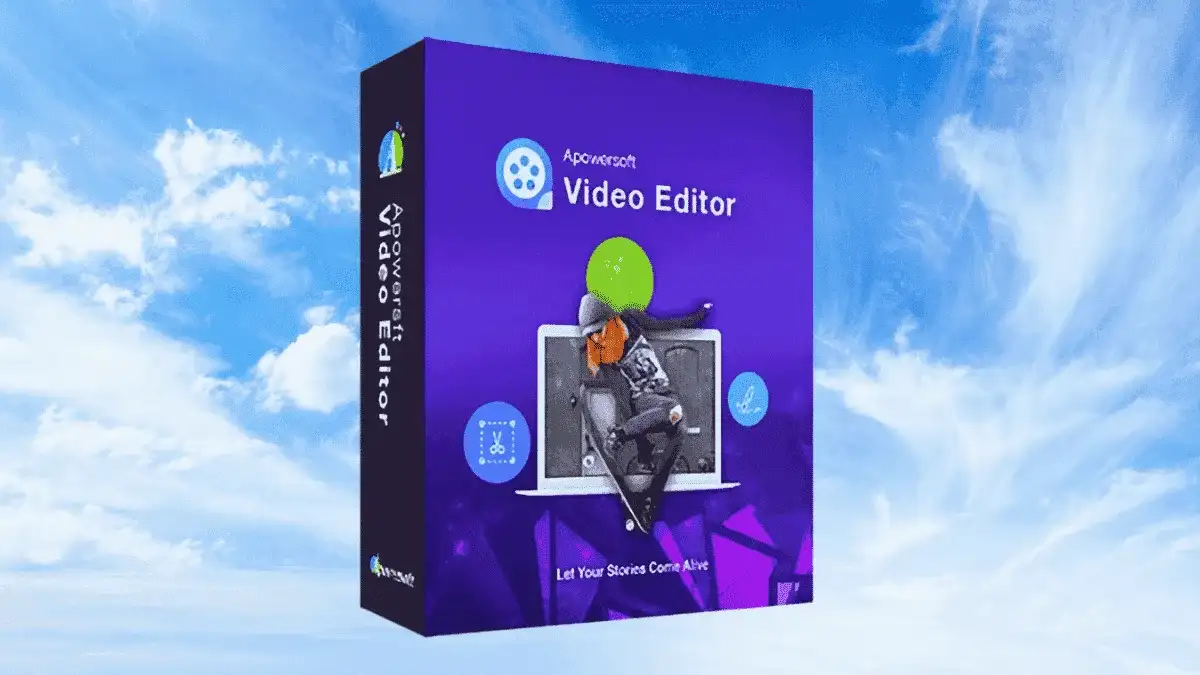
Apowersoft Video Editor is a feature-rich video editing program designed for Windows users who want professional results without a steep learning curve. Whether you are creating content for teaching, presentations, social sharing, or personal entertainment, this tool gives you everything you need to bring your vision to life.
The software supports importing video and media files from a wide range of sources — including PC hard drives, camcorders, DV cameras, vidicons, webcams, and cell phones. Every frame of your memorable moments can be captured, edited, and enhanced with precision.
Apowersoft Video Editor removes the complexity from video production. You do not need to be a professional editor to create compelling videos — the intuitive interface and powerful feature set make it accessible to beginners while still delivering results that look professional. The low system requirements mean you can run the software on older machines, and the affordable price point makes it one of the most cost-effective video editing solutions available.
This video editor is versatile enough for a wide range of applications:
Apowersoft Video Editor stands out as a budget-friendly yet fully-featured video editing solution. With lifetime updates, virus-free guaranteed files, and a license that supports unlimited domain usage, it offers exceptional value. The software runs efficiently on modest hardware, making it accessible to a broad range of users. Whether you are a first-time editor or an experienced content creator, this tool delivers the functionality you need at a price that makes sense.
Apowersoft Video Editor is a reliable, affordable, and feature-packed video editing program for Windows. From basic trimming and merging to creative effects and animated titles, it covers the full editing workflow. With lifetime updates, clean virus-free files, and minimal system requirements, it is a practical choice for anyone looking to produce high-quality videos without overspending.
Apowersoft Video Editor is a powerful, easy-to-use video editing software for Windows. Trim, merge, rotate, add effects, create animated titles, and more — all at an affordable price with lifetime updates. Trim, cut, split, merge, rotate & blend video clips Apply stylish video effects and speed controls Create animated titles with custom fonts and backgrounds Import from cameras, phones, webcams, and PC files Works on Windows 7/8/10 with minimal system requirements Lifetime manual updates included 100% clean, virus-free files Unlimited domain usage license (GPL v3.34.2)
From multipurpose themes to niche templates