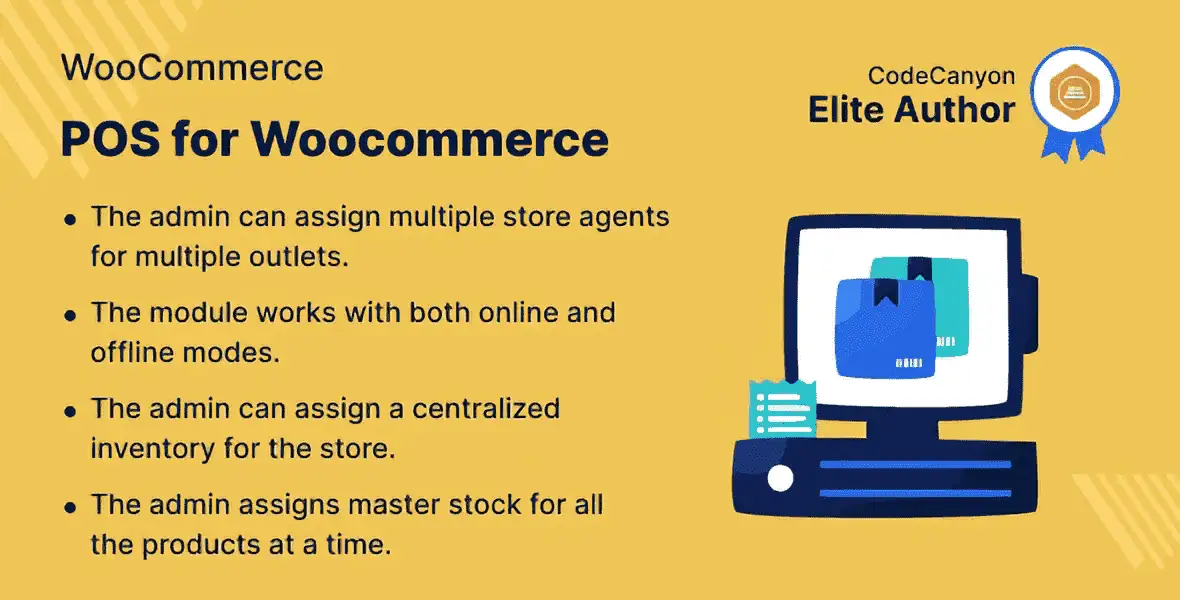
Running an online store alongside a physical retail location shouldn’t mean juggling multiple disconnected systems. The WooCommerce POS System bridges that gap, giving you a single platform to manage every aspect of your retail business — from in-store transactions to online orders, inventory tracking to customer management.
Built as a WordPress plugin that integrates directly with WooCommerce, this point of sale solution provides a front-end POS interface for your physical stores while keeping everything synchronized with your online store. Sales continue seamlessly even when your internet connection drops, and all data automatically syncs once you’re back online.
Consolidating your online and physical store operations under one system eliminates the confusion of managing separate platforms and gives you real visibility into your business performance.
Whether you run a single retail location with an online storefront or manage multiple physical stores alongside your WooCommerce site, this POS system adapts to your workflow.
Setting up the desktop POS application is straightforward. Simply open your Google Chrome browser and click the “+” sign to download and install the desktop application. Once installed, your team has access to a dedicated point-of-sale interface optimized for in-store transactions on any operating system.
The POS system is designed to grow with your business. Three specialized add-ons extend its capabilities:
This plugin addresses a real challenge faced by WooCommerce store owners who also operate physical retail locations: managing two separate sales channels without a unified system. By combining online and offline POS functionality, desktop application support, and a modular add-on ecosystem, it gives you the tools to run a more efficient, scalable retail operation.
Instead of switching between disconnected platforms, you get one integrated system where sales data, customer information, and inventory stay synchronized across every channel.
Does this POS system work without an internet connection?
Yes. You can operate the POS offline and all sales data will automatically synchronize with your WooCommerce store once connectivity is restored.
Can I use the desktop POS on any operating system?
The desktop POS application is installed through Google Chrome and works on any operating system that supports Chrome.
How do I assign staff to manage individual store locations?
You can designate store agents through the plugin, each with their own front-end POS interface for their assigned physical location.
What add-ons are available?
Three add-ons extend the system: POS Pricing Rules for discounts, Barcode Inventory for scanning and stock management, and Order Return for processing refunds.
Is this compatible with my existing WooCommerce store?
This is a WordPress plugin that integrates directly with WooCommerce, so it works within your existing store setup.
If you’re looking for a way to unify your online and physical retail operations under one WooCommerce-powered system, this Point of Sale System is built for that purpose. With offline support, desktop application access, store agent management, and extendable add-ons, it gives you the foundation to manage sales, customers, and inventory more efficiently across every channel. Take the first step toward a more streamlined retail experience.
Unify your online and physical retail operations with the WooCommerce POS System. Manage sales, customers, and inventory from one dashboard — even when offline.Operate online or offline with automatic sync when reconnectedAssign store agents to manage individual physical locationsDesktop POS app available via Google Chrome for any OSExtend with add-ons for barcode inventory, pricing rules, and order returnsKeep selling without interruption during connectivity outages
From multipurpose themes to niche templates