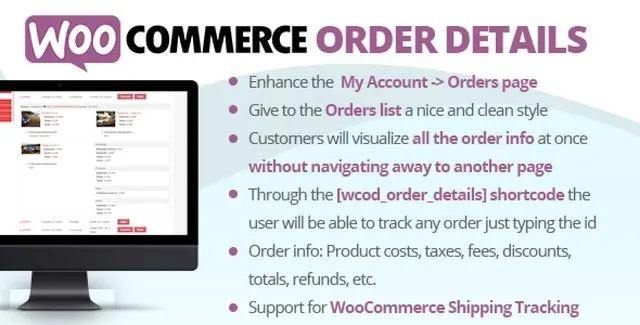
Transform the way your customers interact with their purchase history. The WooCommerce Order Details Plugin seamlessly integrates with your WordPress site to provide an enhanced My Account > Orders experience. Instead of navigating away to view order specifics, customers can now expand a detailed table directly on the orders page by clicking a simple arrow icon.
[wcod_order_details] to create a public tracking form. Visitors can enter an Order ID to view the specifics of any order, which is perfect for guest checkouts or support pages.By implementing this plugin, you reduce customer support queries regarding order status and details. When customers can instantly see exactly what they ordered, the shipping costs, and the total breakdown, they feel more confident and informed. The public tracking feature adds an extra layer of service, allowing you to assist customers who may have lost their login details or are checking an order as a guest.
This plugin is ideal for any WooCommerce store looking to improve UX. It is particularly useful for:
Unlike generic order plugins, this solution focuses on the specific pain point of order visibility. It is lightweight, easy to install, and provides immediate value by cleaning up the user interface. The inclusion of a public tracking shortcode makes it a versatile tool for both logged-in users and guests, maximizing its utility across your entire customer base.
Does this plugin require coding knowledge?
No, installation is straightforward. Once activated, it automatically enhances the My Account orders page. You only need to add the shortcode if you wish to enable public order tracking.
Can guests track their orders?
Yes. By placing the [wcod_order_details] shortcode on any page, guests can enter an Order ID to view the full order breakdown.
What order information is displayed?
The plugin displays product images, prices, taxes, shipping costs, fees, refunds, subtotals, and totals.
Is there a limit on the number of websites?
No, the license includes unlimited domain usage.
Enhance your WooCommerce store by allowing customers to view comprehensive order details and track orders directly from their account. No page reloads required. Display full order data in an expandable table Track any order via the [wcod_order_details] shortcode Includes product details, shipping, fees, and totals Unlimited domain usage with lifetime updates