ThunderSoft Video Watermark Remover is a professional-grade tool designed to eliminate unwanted watermarks, logos, text overlays, and embedded captions from video files. Whether you are a content creator, video editor, or casual user, this software gives you the control you need to clean up your footage quickly and cleanly.
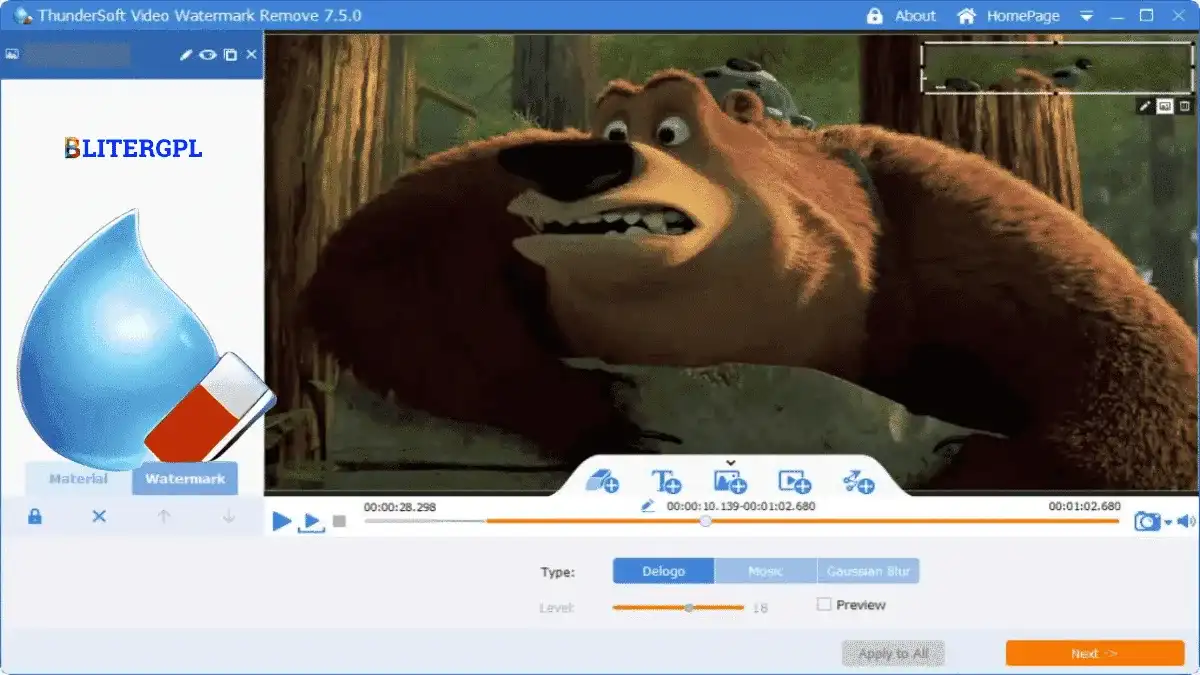
The program supports three distinct watermark removal methods—Delogo, Mosaic, and Gaussian Blur—so you can choose the approach that best fits the type of watermark on your video. After processing, the output file retains the same format, video codec, audio codec, and nearly identical quality as the original source.
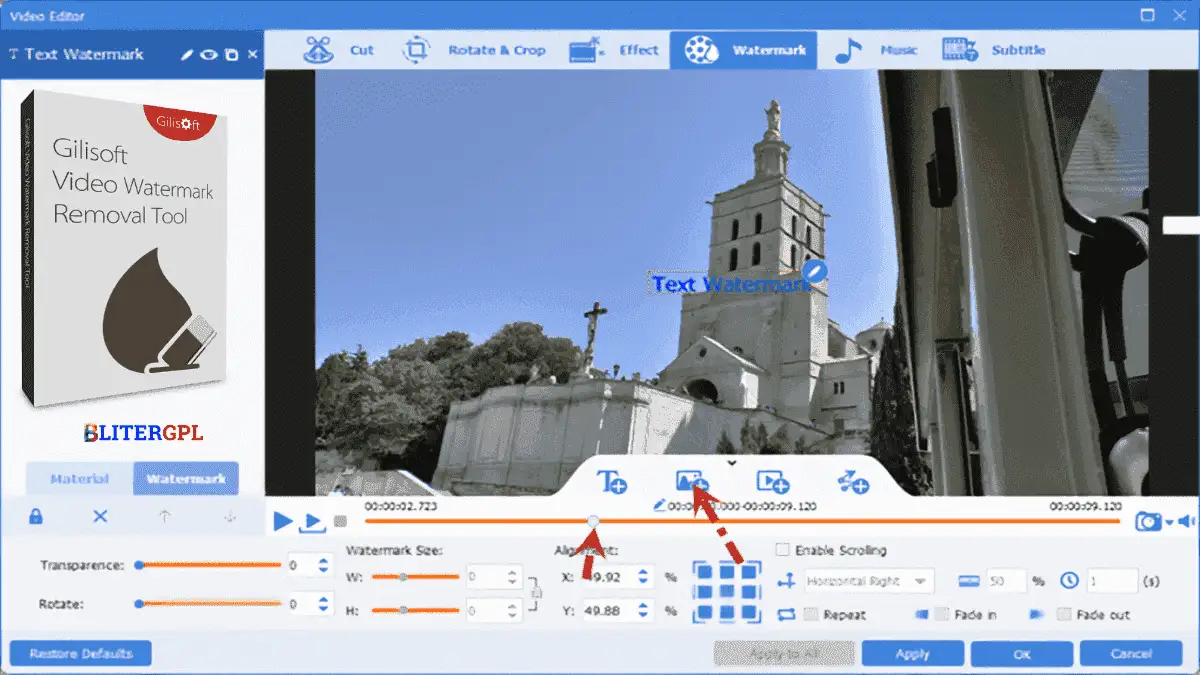
Removing watermarks manually is time-consuming and often degrades video quality. ThunderSoft Video Watermark Remover simplifies the entire process. You can clean up videos in minutes without needing advanced editing skills. The software also lets you add your own branding through custom text or image watermarks, making it a two-way solution for both removing and applying watermarks.
This tool is ideal for removing broadcast station logos, camera date stamps, embedded captions, and company watermarks from downloaded or recorded video content. It is equally useful for creators who want to stamp their own videos with custom text or logos for branding purposes. The ability to specify start and end times makes it suitable for working on clips rather than entire files when needed.
ThunderSoft Video Watermark Remover combines professional removal quality with an intuitive interface and flexible licensing. The unlimited domain usage license means you can install and use it across as many machines as you need. The three removal methods give you control over the final result, and the format-preserving engine ensures your videos look as good as the original.
It supports three methods: Delogo, Mosaic, and Gaussian Blur, each suited to different types of watermarks and logos.
Yes. The software maintains the original video and audio codec and format, preserving nearly the same quality as the source file.
Absolutely. You can add custom text watermarks using built-in text styles, as well as image, video, and shape watermarks.
Yes. The software is compatible with Windows 11, Windows 10, Windows 8.1, and Windows 7.
The program requires 200 MB or more of free hard drive space.
ThunderSoft Video Watermark Remover is a reliable, feature-rich solution for cleaning up video content and adding custom branding. With multiple removal methods, format preservation, and a generous GPL license, it is a practical choice for anyone who works with video files on Windows.
Remove watermarks, logos, and unwanted text from your videos with ThunderSoft Video Watermark Remover. Three proven methods, original quality preserved, and unlimited domain usage.Three removal methods: Delogo, Mosaic, and Gaussian BlurRemoves transparent watermarks, logos, captions, and overlaysMaintains original video and audio codec and qualityAdd custom text, image, or video watermarksUnlimited domain usage with GPL v3.34.2 licenseCompatible with Windows 7 through Windows 11
From multipurpose themes to niche templates