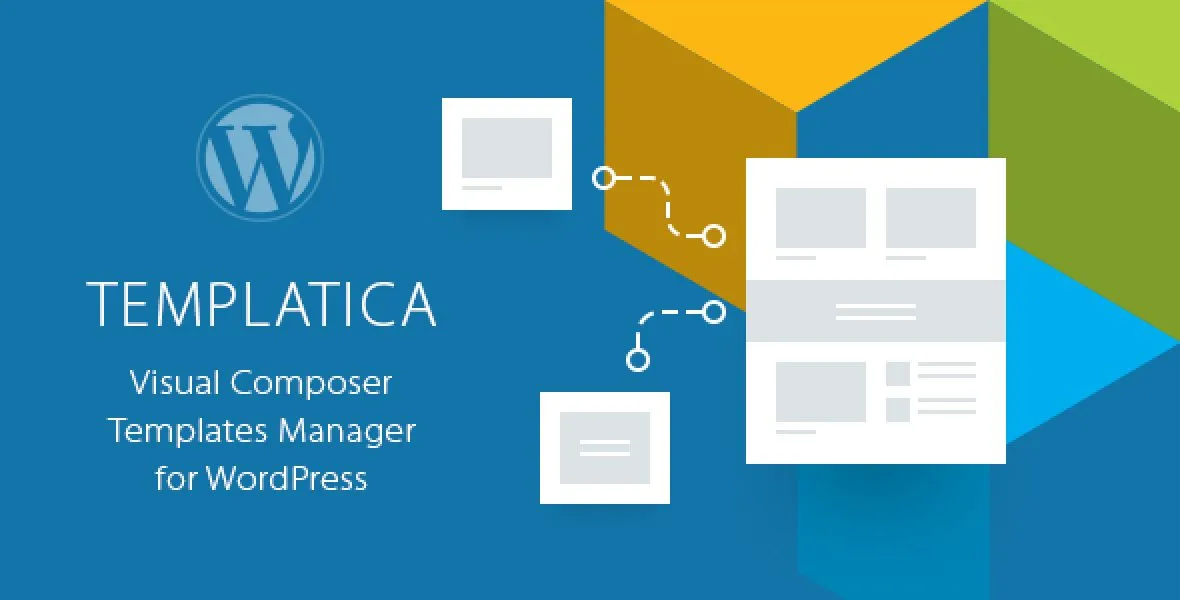
Templatica is a purpose-built WordPress plugin designed to simplify how you create, organize, and manage Visual Composer (WPBakery) templates. Instead of rebuilding the same layouts, content blocks, and VC elements across multiple pages, Templatica gives you a centralized system for storing reusable templates and applying them anywhere on your site.
Whether you manage a single business website or multiple client projects, Templatica eliminates repetitive work. When you update a template, every page using that template reflects the change automatically, keeping your site consistent without manual edits.
Templatica integrates directly into Visual Composer as a new Template element. When editing a page in Visual Composer’s visual mode, you can insert any saved Templatica template just like a standard VC element. The plugin retrieves your available templates and lets you select the one you want to display.
Behind the scenes, all templates are stored using WordPress native Custom Post Types. This means your templates behave like regular WordPress content, making backups, migrations, and restores completely seamless without complex database dependencies.
Templatica was built around simplicity, portability, and native WordPress compatibility. Unlike template plugins that create external database tables and complicate site migrations, Templatica operates entirely within WordPress’s existing architecture. Your templates remain safe, portable, and easy to manage across environments.
With nested template support, sidebar widget integration, role-based access control, and a built-in usage tracker, Templatica gives you the flexibility to build complex modular websites without sacrificing performance or maintainability.
Yes. Templatica is designed as an extension for Visual Composer (WPBakery Page Builder). It adds a Template element to the Visual Composer component library and works within its visual editing mode.
Yes. Templatica templates can be used an unlimited number of times across any posts, pages, or custom post types. Updates to a template automatically reflect everywhere it is used.
Templatica allows you to assign template visibility based on WordPress user roles. You can restrict which roles can access and use each template. The template author always retains full access.
Yes. Because Templatica uses native WordPress Custom Post Types and MySQL tables without external database tables, standard WordPress backups and migration tools handle templates automatically without additional configuration.
Templatica is distributed under the GPL license, which allows unlimited domain usage. Lifetime updates are available through manual updates.
Templatica is a practical and efficient solution for WordPress sites that rely on Visual Composer (WPBakery) and need structured template management. Its native WordPress architecture, powerful access control, nested template support, and seamless migration capabilities make it a smart choice for developers and site managers who want to build modular, maintainable websites efficiently.
Templatica is a lightweight WordPress plugin that lets you create, organize, and manage Visual Composer (WPBakery) templates from one centralized dashboard. Build reusable content blocks once and deploy them across your entire site with complete control. Centralized template management for Visual Composer Unlimited template reuse across pages and posts Native WordPress architecture with no external tables Role-based access control for template visibility Supports nested templates and sidebar widgets One-click template creation from existing content GPL license with unlimited domain usage Lifetime updates included
From multipurpose themes to niche templates