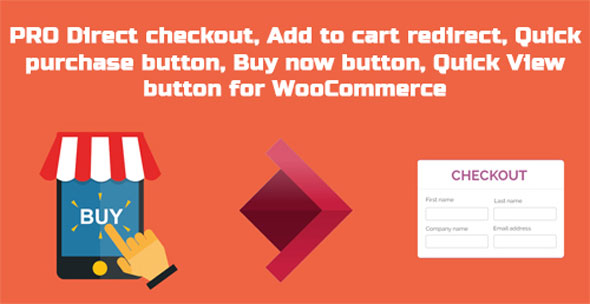
The PRO Direct Checkout for WooCommerce WordPress Plugin is a powerful extension designed to give store owners complete control over the customer journey. By allowing product-specific overrides of global redirect configurations, this plugin lets you dictate exactly where customers go after adding an item to their cart. Whether you want to streamline the checkout process, promote a specific landing page, or disable redirection for certain items, this plugin provides the granular control you need to increase sales.
Standard WooCommerce setups apply a one-size-fits-all approach to cart redirects. This can lead to missed opportunities for upselling, cross-selling, or streamlining the checkout for high-priority items. By using PRO Direct Checkout, you can strategically guide your customers. Redirecting users to a specific landing page after they add a featured product to their cart can significantly increase your sales and conversion rates. The ability to customize the Buy Now button ensures a frictionless purchasing experience tailored to each product.
If you are running a limited-time promotion, you can set a custom redirect URL for the promoted product so that customers are immediately taken to a promotional landing page. For products that require more information before checkout, you can disable the Buy Now button, forcing users to view the cart page. Additionally, for digital downloads or simple items, you can use the Ajax add-to-cart redirect to send customers straight to the checkout page, reducing the steps to purchase.
Direct checkout and redirect plugins are essential for conversion rate optimization, but most lack the ability to apply rules on a per-product basis. This plugin fills that gap perfectly. With Ajax support, archive page functionality, and extensive Buy Now button controls, it offers a level of customization that is unmatched by standard WooCommerce settings. It is an ideal solution for store owners looking to optimize their funnels and maximize revenue.
No. The redirect functionality requires the custom redirect URL to be from your own website. You cannot redirect users to another external domain.
Yes. This plugin uniquely provides product-specific redirect page configuration via Ajax add-to-cart, a feature not available in most other plugins.
Yes. You can change the redirect page for a specific product even when the item is added to the cart from an archive page.
Yes. You can disable the Buy Now or Quick Purchase button for specific products, as well as modify the button’s label and position.
Yes. You must completely uninstall the free version of the plugin to ensure the Pro version functions correctly.
For WooCommerce store owners who need precise control over their checkout flow and cart redirects, the PRO Direct Checkout plugin is an essential tool. By leveraging product-specific rules and Ajax compatibility, you can create a highly optimized shopping experience that drives conversions and increases sales.
Enhance your WooCommerce store with advanced direct checkout and custom redirect management. Drive conversions by guiding customers to specific pages instantly.Product-specific redirect configurationAjax add-to-cart redirect supportCustomizable Buy Now & Quick View buttonsLifetime manual updates included100% clean GPL files
From multipurpose themes to niche templates