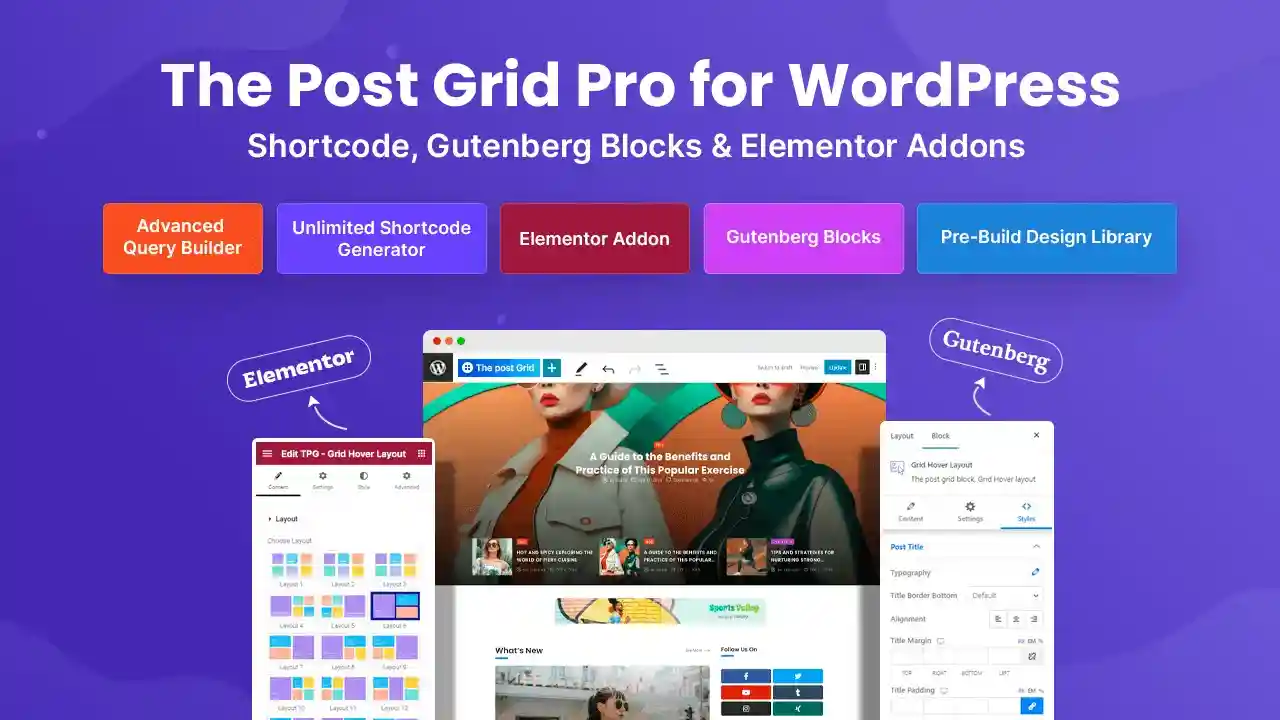
Post Grid Pro by RadiusTheme is the ultimate solution for displaying content in a modern, organized, and visually engaging way. Whether you are running a magazine, portfolio, news site, or a content-heavy blog, this plugin gives you complete control over how your posts are presented. Unlike basic grid plugins, Post Grid Pro combines layout flexibility, advanced AJAX filtering, and seamless page builder integration into one powerful package.
The plugin adapts to your workflow, not the other way around. It empowers you to create filterable grids, elegant sliders, and clean list layouts that help visitors find exactly what they are looking for. Every layout can be transformed into an AJAX-powered filtered grid, meaning pages never reload as users browse by category, tag, or custom taxonomy.
Post Grid Pro is ideal for bloggers, publishers, agencies, and businesses that want to present their content in a modern, organized way. Use it to build magazine-style homepages, category archive pages, portfolio grids, news sections, or any page that benefits from structured content display. The shortcode generator makes it easy to embed filtered post grids anywhere in your site, even on pages built with other page builders.
Unlike basic grid plugins, Post Grid Pro combines layout flexibility, AJAX filtering, and page builder integration into one powerful package. Whether you’re a beginner who wants a drag-and-drop solution or an advanced user who needs granular query control, this plugin scales to your needs. The inclusion of front-end posting, ChatGPT integration, and infinite scroll sets it apart from alternatives on the market.
Yes, Post Grid Pro offers full Elementor widget support with multiple layout variations and AJAX filtering built directly into the widget’s content tab.
Absolutely. The plugin includes dedicated Gutenberg blocks for Grid, List, Grid Hover, and Slider layouts, all supporting AJAX filtering.
No. Post Grid Pro is designed to be user-friendly. You can build complex layouts and queries using the intuitive settings and drag-and-drop builders without writing any code.
The plugin supports four pagination styles: standard pagination, AJAX pagination, a “Load More” button, and infinite scroll on page load.
Yes, Post Grid Pro includes front-end post management features, allowing users to submit, edit, and delete their own posts via a dedicated user dashboard with login and registration.
Elevate your WordPress site with Post Grid Pro. Whether you need a simple grid or a complex, filterable portfolio, this plugin provides the tools to showcase your content beautifully. Install Post Grid Pro today and transform how your audience interacts with your content.
Transform your WordPress content display with Post Grid Pro. Create stunning AJAX-filterable grids, sliders, and lists with full Elementor and Gutenberg support. No coding required.Advanced AJAX filtering for taxonomy-based discoveryMultiple layouts: Grid, List, Slider, and HoverFull integration with Elementor and GutenbergUnlimited shortcode generatorFour pagination styles including infinite scrollFront-end post submission and user management
From multipurpose themes to niche templates