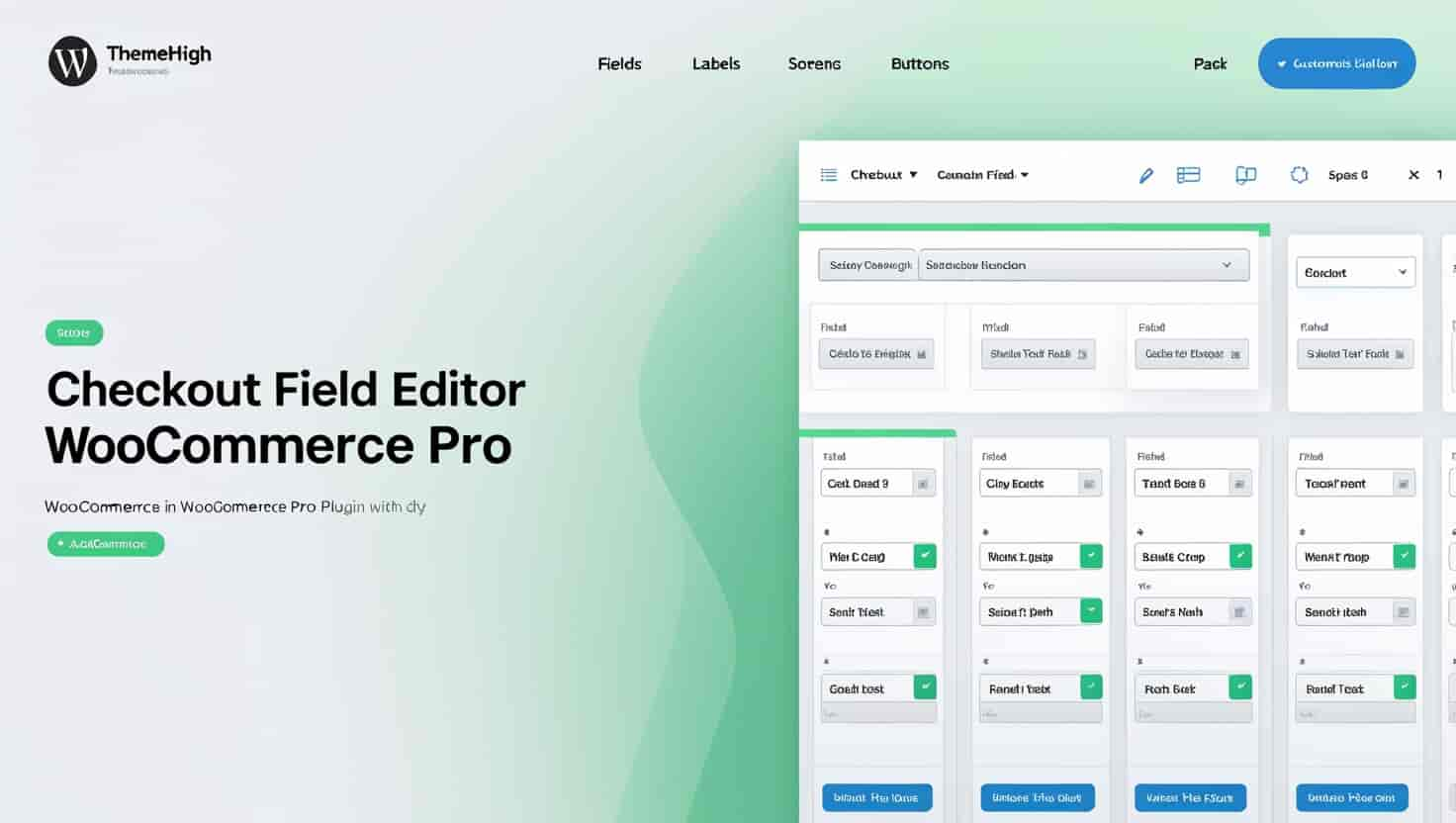
The Checkout Field Editor for WooCommerce Pro is a powerful WordPress plugin designed to give store owners complete control over their checkout experience. Built by ThemeHigh, this plugin transforms the standard WooCommerce checkout form into a fully customizable data collection tool tailored to your business requirements.
Whether you need to collect additional customer information, remove unnecessary fields to reduce friction, or reorganize your checkout layout for better usability, this checkout manager puts every option at your fingertips. No coding knowledge is required to make meaningful changes that can directly impact your conversion rates.
A streamlined checkout process is one of the most effective ways to reduce cart abandonment and increase conversions. By customizing your checkout fields, you eliminate unnecessary distractions and focus customers on completing their purchase.
Better data collection means you get the information you actually need without overwhelming customers with irrelevant fields. This balance between thoroughness and simplicity is where the Checkout Field Editor excels. You can prioritize essential information while removing fields that slow down the checkout process.
Custom sections also improve the visual organization of your checkout page, making it easier for customers to understand what information is required and where to find it. A well-structured checkout form builds trust and reduces confusion, both of which contribute to higher completion rates.
Store owners can use this plugin to adapt their checkout forms for specific product types, seasonal promotions, or regional requirements. For example, a store selling personalized gifts might add a custom text field for engraving instructions. A B2B retailer could add a company VAT number field for tax-exempt purchases. A local delivery service might add a preferred delivery date selector.
The ability to reorder fields also allows you to place the most important information first, reducing the likelihood that customers will abandon the form before providing critical details. You can move contact information ahead of shipping details, or place payment options in a more prominent position based on your customer behavior data.
When paired with ThemeHigh’s WooCommerce Multistep Checkout plugin, the Checkout Field Editor becomes even more powerful. You can create dedicated checkout steps and assign specific custom fields and sections to each step. This breaks down the checkout process into manageable chunks, reducing cognitive load and making the overall experience feel faster and less intimidating for customers.
The Checkout Field Editor for WooCommerce Pro offers a rare combination of flexibility and simplicity. Many checkout customization tools require technical expertise or coding knowledge, but this plugin is built for store owners who want results without complexity. The intuitive interface makes it easy to visualize changes and implement them immediately.
Developed by ThemeHigh, a trusted name in WooCommerce extensions, this plugin is built to integrate seamlessly with your existing WooCommerce setup without conflicts or compatibility issues.
Can I add completely new fields to my WooCommerce checkout?
Yes, you can add custom fields to your checkout form to collect any additional information your business requires.
Can I remove default WooCommerce checkout fields?
Yes, you can delete or hide default fields that are not relevant to your store, helping to streamline the checkout process.
Is it possible to change the order of checkout fields?
Yes, you can reorder fields and sections to create a more intuitive checkout flow for your customers.
Does this plugin work with multistep checkout setups?
Yes, it works hand-in-hand with ThemeHigh’s WooCommerce Multistep Checkout plugin, allowing you to assign custom fields to specific checkout steps.
Can I create custom sections in the checkout form?
Yes, you can create and include custom sections to organize your checkout fields into logical groups.
Take control of your WooCommerce checkout experience today. The Checkout Field Editor for WooCommerce Pro gives you the tools to create a checkout form that works for your business and your customers. Reduce friction, collect better data, and optimize your conversion funnel with a few simple clicks.
Take full control of your WooCommerce checkout with the Checkout Field Editor Pro plugin. Easily add, edit, delete, or reorder checkout fields and create custom sections to match your store's unique needs. Fully customize checkout form fields Add, edit, modify, or delete fields with ease Create and include custom checkout sections Change field display order for better flow Works seamlessly with WooCommerce Multistep Checkout