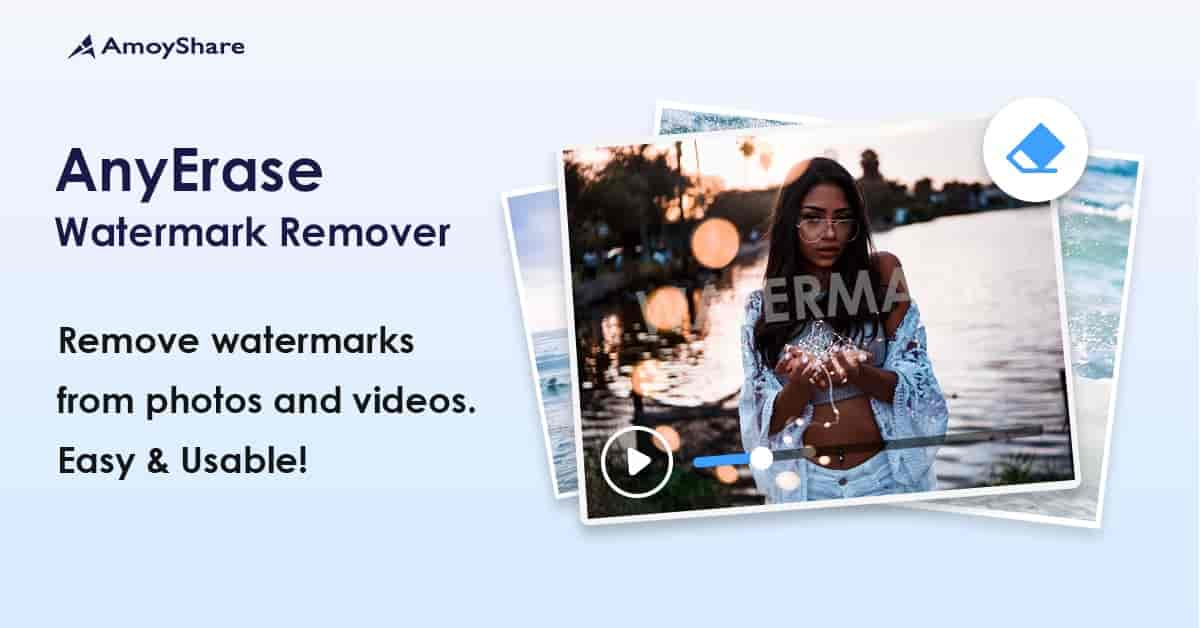
AmoyShare AnyErase is a dedicated watermark removal and addition tool built for Windows users who want clean, professional results without the complexity of full-featured editing software. Whether you need to erase an unwanted logo from a photo, clean up text overlays on a video, or strip a TikTok watermark before reusing content, AnyErase handles it all with just a few clicks.
The software combines powerful watermark removal with a built-in watermark-adding feature, giving you full control over how your media looks — before and after editing. It is purpose-built for one job and does it well, making it a smarter choice than general-purpose photo and video editors for watermark tasks.
AnyErase saves you time and eliminates the need for expensive professional editing tools. The intuitive interface means anyone can remove or add watermarks without prior experience. You get clean, polished results fast — whether you are a content creator, social media manager, or casual user looking to clean up personal media.
Unlike complex photo and video editors, AnyErase is lightweight and runs smoothly on standard Windows machines, so you do not need a powerful computer to get professional-quality results.
| Compatible Operating Systems | Windows 11, Windows 10, Windows 8.1, Windows 7 |
| RAM | 2 GB (4 GB recommended) |
| Hard Drive Space | 200 MB or more |
| License | GPL v3.34.2 |
| Updates | Lifetime (manual) |
| Domain Usage | Unlimited |
AnyErase is purpose-built for watermark removal and addition in a single, lightweight application. Combined with unlimited domain usage and lifetime updates, it offers strong long-term value. You get straightforward functionality without the learning curve of professional editing software — making it ideal for users who need fast, reliable results without investing time in complex tools.
Yes — it supports Windows 11, 10, 8.1, and 7.
Yes, AnyErase includes a dedicated TikTok watermark removal feature that strips them in one step.
Yes, you can add custom text or image watermarks to both photos and videos.
No. The tool is designed for users of all skill levels with an intuitive interface.
The license allows unlimited domain usage, so you can install it on as many devices as you need.
AmoyShare AnyErase is the simplest way to remove and add watermarks on Windows. If you want fast, reliable results without learning professional editing software, this is the tool for you.
AmoyShare AnyErase is a fast, intuitive watermark removal and addition tool for Windows. Clean up unwanted logos, text, and TikTok watermarks from photos and videos in just a few clicks — no editing experience required.Remove watermarks from images and videos instantlyStrip TikTok video watermarks cleanly in one stepAdd custom text or image watermarks to your mediaCompatible with Windows 11, 10, 8.1, and 7Unlimited domain usage with lifetime manual updates
From multipurpose themes to niche templates