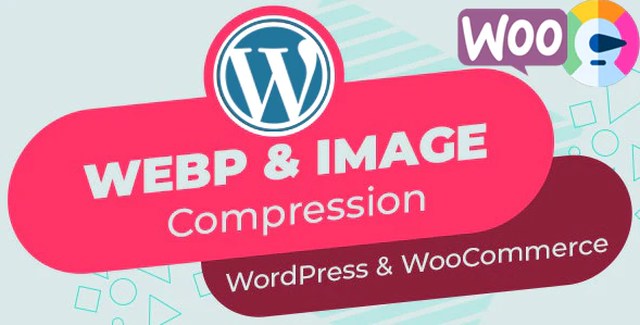
Enhance your website’s performance and SEO rankings with our Automatic WebP & Image Compression plugin for WordPress and WooCommerce. Designed for site owners who prioritize speed, this tool automates the conversion of your images to the modern WebP format while ensuring compatibility across all browsers. By reducing file sizes without sacrificing quality, you can significantly improve load times and user experience.
Optimizing your images is one of the most effective ways to improve your site’s technical SEO. This plugin helps you achieve:
The plugin uses the ReSmush.it API to compress images based on your selected quality settings. You can use the built-in comparison tool to preview different quality levels and find the optimal balance for your site. If you choose to compress images at a lower quality first, you can always restore the original files and re-compress at a higher quality setting.
No. Most hosting providers do not have the necessary libraries installed. Our internal API allows you to convert images to WebP even if your server is not configured for it.
No. The plugin automatically detects unsupported browsers (like IE or Safari) and serves the original JPG/PNG files instead.
Yes. Simply enable the backup option before compressing. Note that backups will take up additional disk space, which you can free up once you are satisfied with the results.
Yes. WebP works on Nginx without server modifications if you enable the “Use .Webp Extension” option in the plugin settings.
Boost your WordPress and WooCommerce site speed with automatic WebP image compression and lazy loading. This plugin utilizes the ReSmush API to compress and convert unlimited images without requiring special server libraries.Free WebP conversion via ReSmush APIAutomatic image compression and backupImproved PageSpeed and GTmetrix scoresSupport for all browsers, including IE and SafariLossless compression options
From multipurpose themes to niche templates