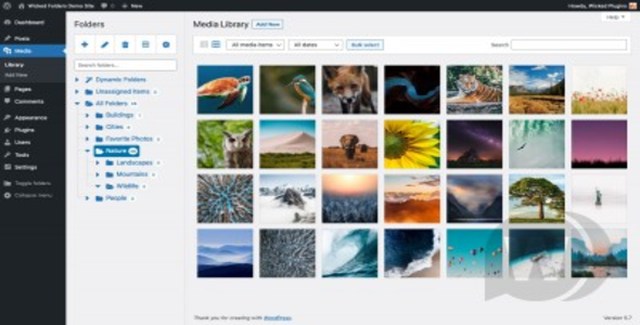
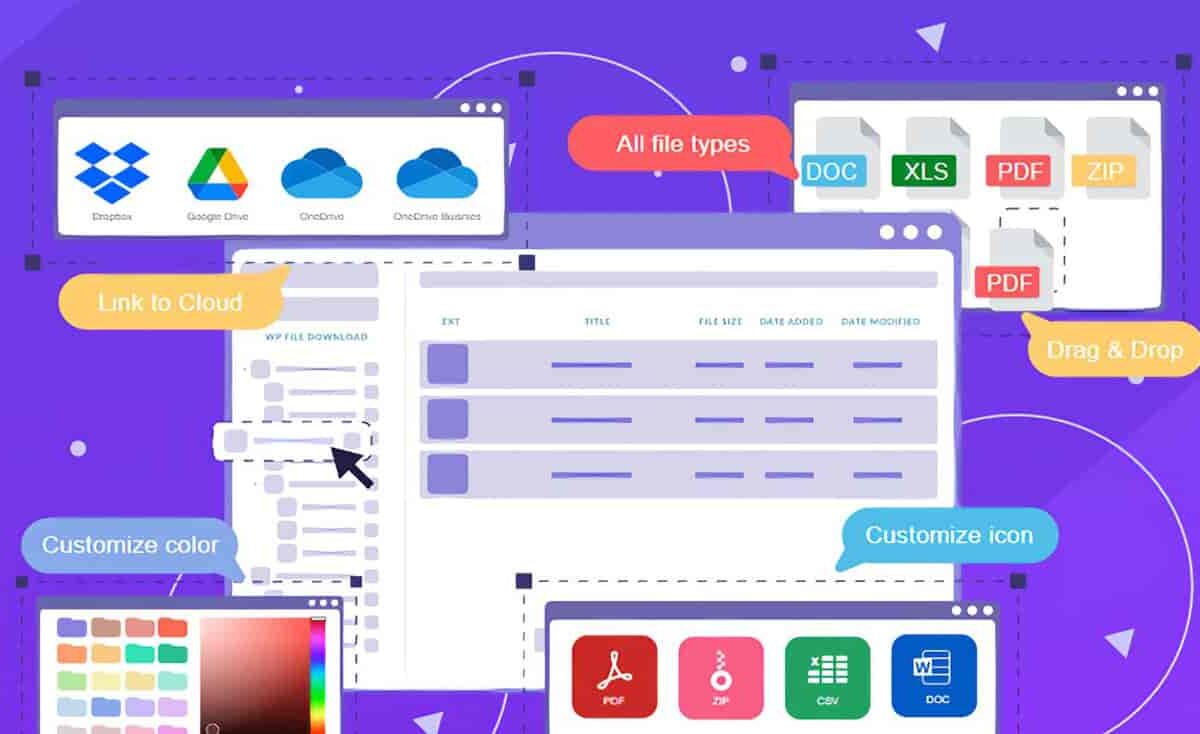
If you run a WordPress website, you’ve likely uploaded hundreds or thousands of media files—images, videos, audio, PDFs, and documents—only to find them scattered and nearly impossible to locate. Folder Fox is a WordPress media folder and search plugin that transforms your chaotic media library into a clean, organized file system. With an intuitive interface that mirrors your desktop file browser, you can sort, find, and manage every file without the usual hassle.
Whether you manage a single site or a multisite network, Folder Fox gives you the structure you need to stay productive and keep your media assets under control.
Folder Fox is ideal for any WordPress site that handles a large volume of media. Whether you run a blog, an online store, a portfolio, or a corporate website, you can create folders for different categories, campaigns, or projects.
For WooCommerce stores, organize product images by category, brand, or collection. For agencies managing multiple client sites through a multisite installation, each site can maintain its own dedicated media organization. For content creators and publishers, group images and documents by article, series, or publication date.
Folder Fox works with all popular themes, page builders, and third-party platforms, including WooCommerce, WPML, WPBakery, Elementor, Gutenberg, Beaver Builder, Divi, Thrive Architect, Slider Revolution, and Smush. It also works immediately with WordPress multisite installations, with each site having its own independent media folder management.
Folder Fox stands out because it brings the simplicity of your desktop file manager directly into WordPress. It’s compatible with the tools you already use, requires no complex configuration, and supports unlimited domain usage under the GPL license. The plugin offers lifetime manual updates and comes with 100% clean, virus-free files—making it a cost-effective solution for developers, agencies, and site owners alike.
Yes. Folder Fox works immediately with multisite installations, and each site has its own independent media folder management system.
No. When you install Folder Fox, all your existing files will initially appear in the root folder. You can then start creating folders and organizing them at your own pace.
Yes. Folder Fox is compatible with all popular page builders and themes, including Elementor, WPBakery, Gutenberg, Beaver Builder, Divi, and Thrive Architect.
Yes. The plugin supports unlimited domain usage under the GPL license.
Updates are provided as manual lifetime updates. You will receive the latest version to upload and install on your site.
If you’re tired of a messy WordPress media library, Folder Fox is the solution you’ve been looking for. Its intuitive folder management, powerful search capabilities, and broad compatibility will transform how you handle files in WordPress. Get Folder Fox today and take full control of your media library.
Bring order to your WordPress media library with Folder Fox. This powerful media folder plugin organizes images, videos, PDFs, and documents into folders with drag-and-drop management, instant search, and seamless compatibility with WooCommerce and top page builders.Drag-and-drop file and folder managementFamiliar desktop-style folder tree navigationSearch files globally or within a specific folderWorks with WordPress multisiteCompatible with Elementor, WPBakery, WooCommerce, and more