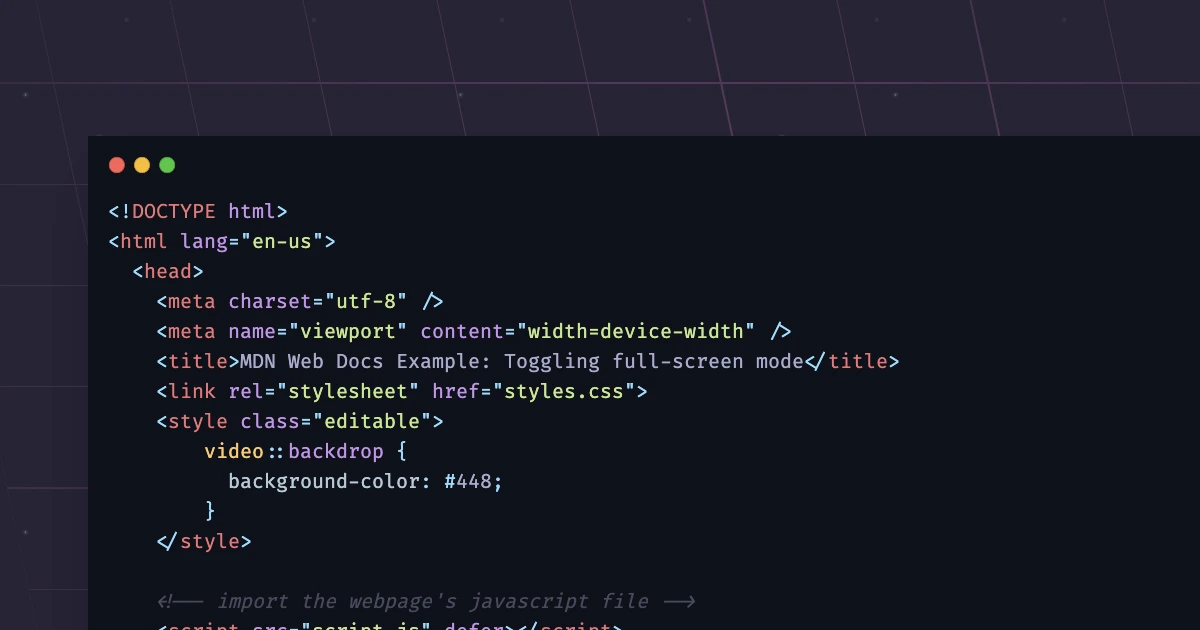
Code Block Pro is a WordPress plugin designed to bring the power of VS Code theme rendering to the WordPress Block Editor. If you regularly publish code snippets, documentation, or technical content on your WordPress site, this plugin gives you the visual styling flexibility you need — without impacting performance.
With Code Block Pro, you can express your content with elegance and ease, using the same high-quality themes that developers and designers love in the VS Code marketplace. Whether you are running a developer blog, a technical documentation site, or a coding tutorial platform, this plugin helps you present code in a clean, professional, and visually appealing way.
Code Block Pro solves a common problem for WordPress site owners who need to display code: bland, unstyled code blocks that fail to engage readers. By importing VS Code theme rendering into the WordPress Block Editor, this plugin lets you present code in a visually rich and professional manner.
The breadth of included themes means you do not need to experiment with custom CSS or third-party styling tools to achieve a polished result. Simply select the theme that matches your site design and content style, and your code blocks will look consistent and attractive across every page.
Because the plugin operates within the Block Editor, it integrates naturally into your existing WordPress workflow. You do not need to learn a new interface or adopt a separate editing tool to take advantage of these themes.
Code Block Pro stands out because it bridges the gap between the VS Code ecosystem and WordPress. Instead of relying on basic default code block styling or building custom solutions from scratch, you get access to a comprehensive theme library that is already proven and widely used in the developer community.
The GPL license means you can deploy this plugin across as many websites as you need without licensing restrictions. Combined with lifetime manual updates and verified clean files, Code Block Pro offers a dependable, long-term solution for anyone who needs professional code block styling on WordPress.
Code Block Pro includes 27 free high-quality themes plus 29 additional themes in the Theme Pack, for a total of 56 themes.
Code Block Pro uses a GPL license, which allows unlimited domain usage.
Yes. The GPL license included with Code Block Pro permits unlimited domain usage, so you can install and use it on as many websites as you need.
Code Block Pro comes with lifetime updates. Updates are applied manually.
Yes. Code Block Pro is specifically designed to bring VS Code theme rendering to the WordPress Block Editor.
Code Block Pro Theme Pack is an essential tool for WordPress site owners who want to elevate the appearance of code blocks without adding complexity to their workflow. With 56 themes, a GPL license, unlimited domain usage, and lifetime updates, it delivers lasting value for developer blogs, tutorial sites, documentation platforms, and more. If you need professional, VS Code-quality code styling in WordPress, Code Block Pro is a practical and powerful solution.
Code Block Pro brings the power of VS Code theme rendering directly to the WordPress Block Editor. Style your code blocks with elegance and precision using a curated collection of popular themes.27 free high-quality themes included29 additional themes in the Theme PackGPL license with unlimited domain usageLifetime manual updatesClean, virus-free filesVersion 3.34.2
From multipurpose themes to niche templates