Product Overview
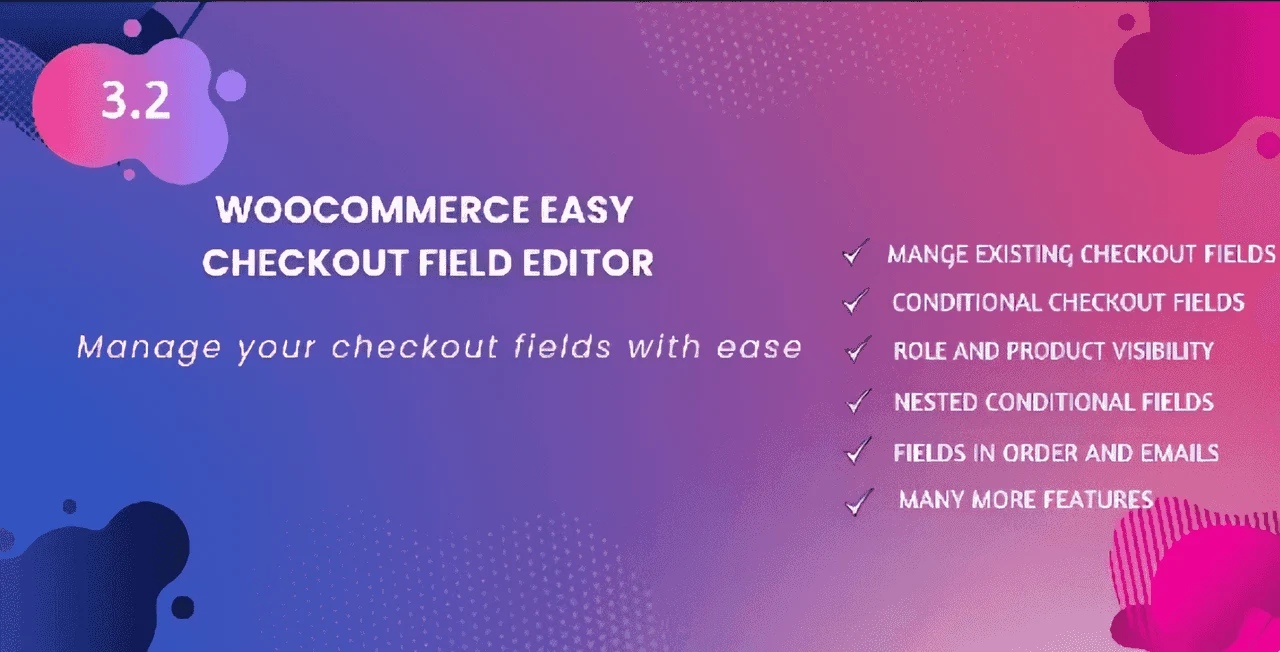
The WooCommerce Checkout Field Editor plugin gives you complete control over your store’s checkout form. Whether you need to add custom fields, remove unnecessary ones, or reorganize the layout, this plugin makes it easy with an intuitive drag-and-drop admin interface. It’s the perfect solution for store owners who want a more personalized and efficient checkout experience.
Key Features
- Add, Edit, and Delete Fields: Customize your checkout form by adding new fields, editing existing ones, or removing those you don’t need.
- Drag-and-Drop Reordering: Arrange fields in any order with a simple drag-and-drop interface.
- 15 Custom Field Types: Choose from 15 widely used field types to collect the exact information you need.
- Conditional Checkout Fields: Show or hide fields based on the value of other fields, creating a dynamic and streamlined checkout process.
- Manage Standard Fields: Edit or remove the default WooCommerce checkout fields.
- Billing and Shipping Address Fields: Add custom fields to both the shipping and billing address forms.
- Display Field Data: Show submitted field details on the order editing page, order page, order preview, and in order emails.
- PDF Invoice Support: Display field details in WooCommerce PDF invoices and packing slips.
- My Account Address Page: Show custom fields on the My Account address page for easy editing.
- Restore Default Fields: Quickly restore the original checkout fields if needed.
- Product/Category Conditions: Show fields only when the cart contains specific products or products from a particular category.
Benefits
- Enhanced Checkout Customization: Tailor the checkout form to meet your specific business needs, capturing the exact data you require from customers.
- Improved User Experience: Use conditional fields to show only relevant options, reducing friction and making the checkout process faster and more intuitive.
- Better Data Collection: Collect additional information like order notes, delivery instructions, or custom preferences directly through the checkout form.
- Increased Efficiency: Streamline backend operations by viewing all submitted field data directly on the order pages and in emails.
- Flexible and Scalable: With unlimited domain usage and a GPL license, this plugin is a cost-effective solution for agencies and developers.
How It Can Be Used
This plugin is ideal for a wide range of WooCommerce stores. For example, you can:
- Add a “Gift Message” field for customers purchasing gifts.
- Create a conditional field for “Delivery Instructions” that only appears when the customer chooses a specific shipping method.
- Remove the “Company” field for B2C stores that don’t need it.
- Add a “Date of Birth” field for age verification or personalized offers.
- Reorder fields to put the most important ones first, reducing form abandonment.
Specifications
- Version: v3.34.2
- License: GPL
- Domain Usage: Unlimited
- Updates: Lifetime (manual update)
- Files: 100% clean and free from viruses
Why Choose This Product?
This WooCommerce checkout field editor offers a comprehensive feature set at a very low price. It’s a reliable, original product with clean files and a GPL license, giving you the freedom to use it on unlimited domains. The lifetime manual updates ensure you stay current with the latest WooCommerce changes.
Frequently Asked Questions
Is this plugin compatible with the latest WooCommerce version?
The plugin version provided (v3.34.2) is designed to work with WooCommerce. For specific compatibility details, we recommend checking the plugin’s demo or documentation.
Can I use this plugin on multiple websites?
Yes, the GPL license allows unlimited domain usage, so you can use it on as many websites as you own or manage.
Will I receive updates for this plugin?
Yes, the product includes lifetime updates. Please note that updates are provided manually, meaning you will need to install them yourself.
Can I add custom fields to the shipping and billing forms?
Yes, you can add new custom fields to both the existing shipping and billing address forms.
Can I show or hide fields based on other field values?
Yes, the plugin supports conditional checkout fields, allowing you to show or hide fields based on the value of other checkout fields.
Conclusion
If you’re looking for a powerful, flexible, and affordable way to customize your WooCommerce checkout form, the Easy Checkout Field Editor is an excellent choice. With its extensive feature set, intuitive interface, and GPL license, it’s a smart investment for any WooCommerce store owner.