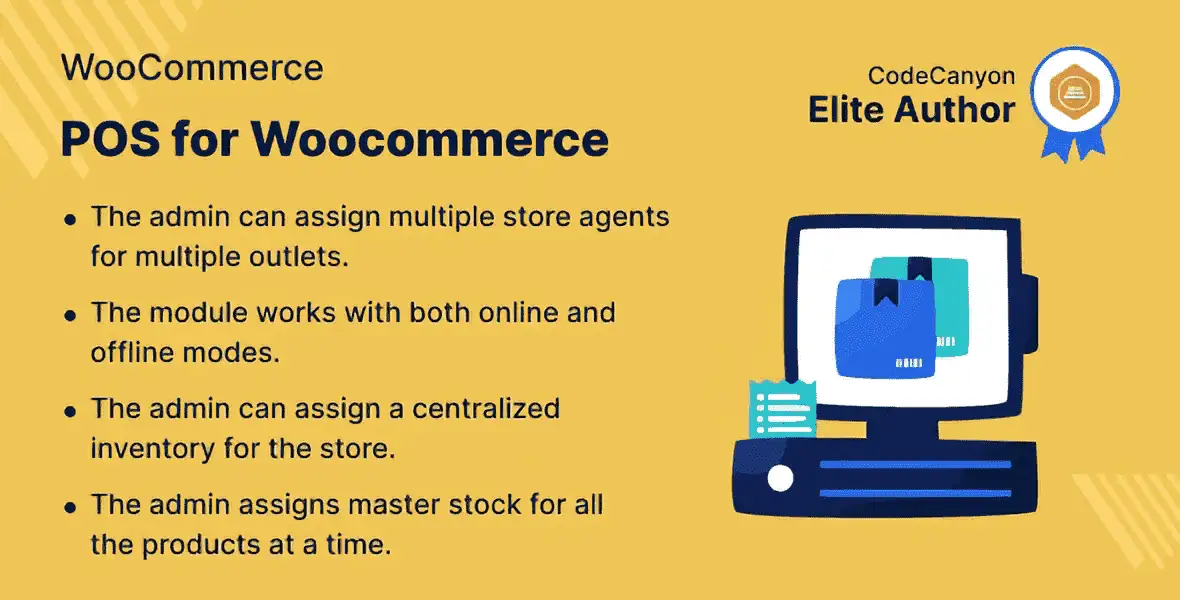
The Point Of Sale System For WooCommerce gives store owners the power to manage both their online store and physical retail locations from a single, unified platform. Whether you run a brick-and-mortar shop, an e-commerce store, or both, this plugin bridges the gap between your channels so nothing falls through the cracks.
By assigning store agents to specific locations, administrators gain full visibility into sales performance and customer activity per store. Every transaction, every return, and every inventory change syncs automatically — giving you a complete, real-time picture of your business.
This POS system is designed to save you time, reduce errors, and give you deeper insights into how every part of your retail operation is performing. By centralizing management, you eliminate the friction of juggling multiple tools. The offline capability means your physical store never has to stop selling, and the desktop application provides a professional checkout experience that your staff will find intuitive.
Customers benefit too — discounted prices are clearly visible at the point of sale, returns are handled quickly, and inventory accuracy improves with barcode-based tracking. All of this adds up to smoother operations, happier staff, and a better shopping experience.
This plugin is ideal for WooCommerce store owners who operate both online and physical retail locations. It works for businesses of any size — from a single storefront to a multi-location chain. Use it to manage in-store sales alongside your existing e-commerce orders, track which products perform best at each location, and give store managers the tools they need to run their location independently while keeping full visibility from the back end.
Most POS solutions force you to choose between online and offline management — or pay a premium for both. This plugin brings unified store management, offline resilience, and a desktop POS application into one WooCommerce-compatible package. The modular add-on system means you only pay for the features you need, and you can expand as your business grows. With barcode scanning, automated returns, and flexible pricing rules, it covers the essentials that matter most in a retail environment.
Yes. The POS can operate fully offline, and all sales and customer data sync automatically to your online store once the device reconnects to the internet.
Absolutely. You can assign store agents to specific physical locations, giving each agent access to manage sales and customers for their assigned store only.
Three add-ons are available: the POS Pricing Rule add-on for discount management, the POS Barcode Inventory add-on for scanning-based stock assignment, and the POS Order Return add-on for processing refunds and restoring inventory automatically.
The desktop POS application can be installed directly from the Google Chrome browser by clicking the “+” sign. It is compatible with any operating system supported by Chrome.
This is a WooCommerce-specific POS plugin, meaning it is built to integrate directly with your existing WooCommerce store and its products, orders, and customer data.
Run your entire retail business from one platform. The WooCommerce POS System seamlessly connects your physical and online stores, letting you manage sales, customers, and inventory across every location — all from a single dashboard.Manage online and physical stores from one unified platformAssign store agents to specific locations for localized controlOperate offline and auto-sync data when back onlineDesktop POS application installable directly from ChromeExtend functionality with add-ons for pricing rules, barcode inventory, and order returns
From multipurpose themes to niche templates