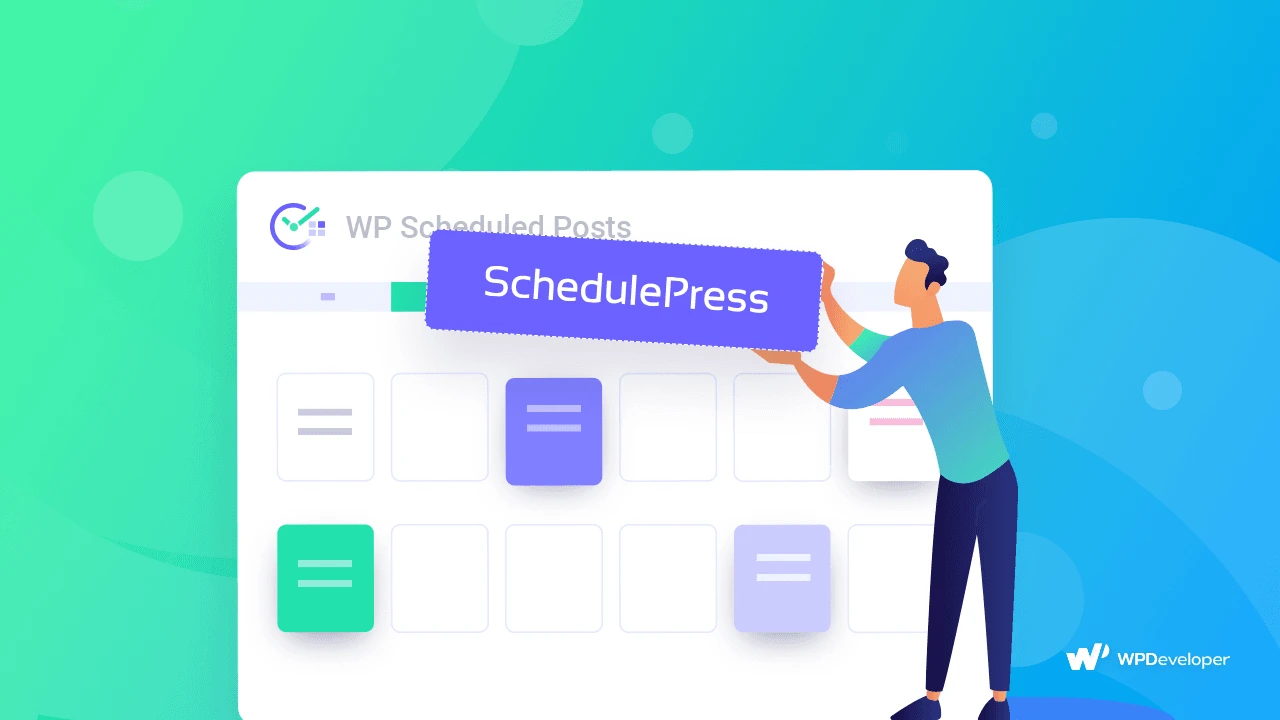
SchedulePress PRO is a complete WordPress post scheduler plugin built for bloggers, content marketers, and site managers who need precision, automation, and reliability. Instead of manually publishing posts or hoping WordPress handles your schedule correctly, SchedulePress gives you a centralized command center for your entire content timeline.
After installing SchedulePress PRO on your WordPress site, you can access the visual calendar directly from your dashboard. Select a date, drag existing posts to new time slots, or create new drafts right on the calendar. Configure your automatic scheduler rules, connect your social accounts, customize your sharing templates, and let the plugin handle the rest. It is built for WordPress users who want professional-grade scheduling without technical complexity.
Content marketing requires consistency, and consistency is hard to maintain manually. SchedulePress PRO removes the guesswork and the busywork. Your team plans visually, publishes automatically, and promotes across social channels without lifting a finger. The lost scheduling handler gives you peace of mind, knowing that no post slips through the cracks due to server hiccups or cron failures.
Does this plugin work with any WordPress site?
Yes, SchedulePress PRO is designed as a WordPress plugin and integrates directly with your existing WordPress dashboard.
Which social media platforms are supported?
SchedulePress PRO supports automatic sharing to Twitter, Facebook, Pinterest, and LinkedIn.
Can I reschedule posts easily?
Yes. The visual calendar supports drag-and-drop organization, allowing you to reschedule posts quickly without opening each one individually.
What happens if WordPress misses a scheduled post?
SchedulePress PRO includes a lost scheduling handler that detects and recovers missed scheduled posts automatically.
Can I customize how my posts look on social media?
Yes. You can customize social sharing templates, add hashtags, use categories as tags, enable thumbnails, and modify metadata for each platform.
SchedulePress PRO gives you everything you need to run a professional content operation from a single WordPress dashboard. From visual planning and automatic scheduling to cross-platform social sharing and missed-post recovery, it is the all-in-one WordPress post scheduler plugin that content teams trust.
Take full control of your WordPress content calendar with SchedulePress PRO. This powerful post scheduling plugin gives you a visual drag-and-drop calendar, automatic publishing, and seamless social media sharing—all in one place. Visual drag-and-drop content calendar for easy organization Automatic post scheduling at your preferred times Auto-share to Twitter, Facebook, Pinterest & LinkedIn Lost schedule handler prevents missed publications Customizable social sharing templates per platform