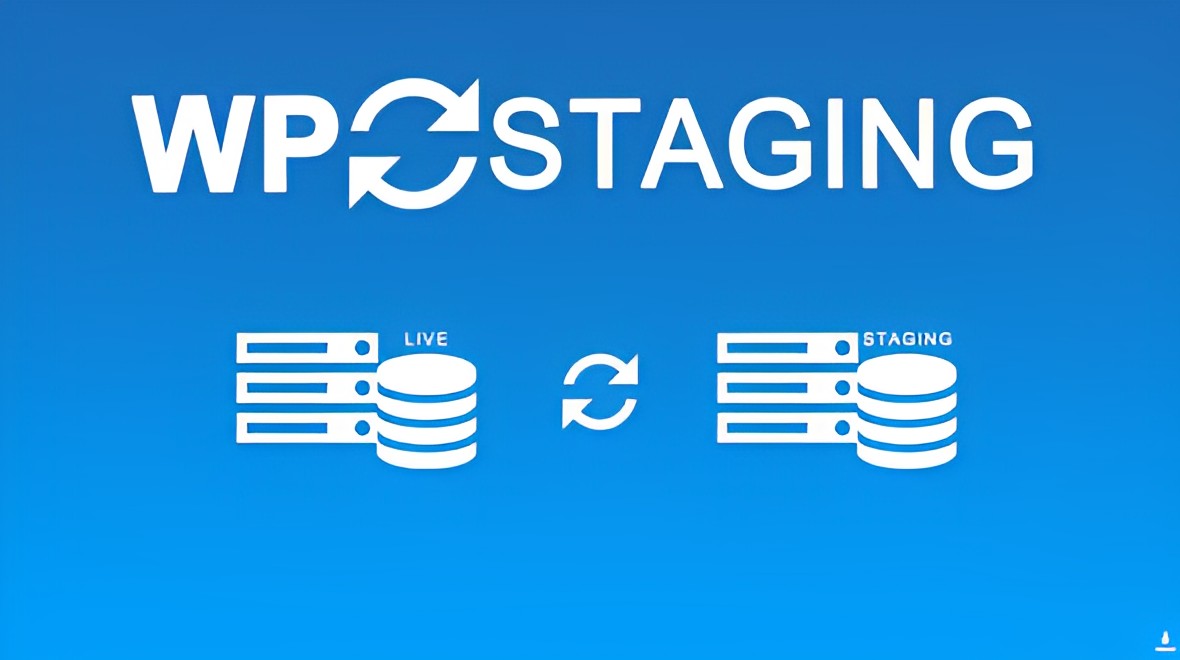
WP Staging Pro is a WordPress staging plugin built for developers, agencies, and site owners who need a reliable way to test changes before they go live. It creates an exact, independent copy of your website—database, plugins, themes, uploads, and all—on the same server with a single click. Because the staging site lives on your own infrastructure, no data ever touches a third-party service.
Once you’ve validated changes on staging, the plugin pushes only what you choose back to production. You can exclude specific database tables or folders, making it safe to sync content updates without overwriting live orders, users, or logs. The process runs in the background without slowing down your live site, even for large installations.
Unlike hosted staging services that charge recurring fees and move your data off-site, WP Staging Pro runs entirely on your WordPress installation. You pay once, keep full control, and avoid the latency and compliance concerns of external platforms. The plugin’s selective push logic and exclusion rules give you surgical precision—something most backup or migration tools lack. Combined with Multisite support and background processing that won’t slow your live site, it’s a complete staging workflow in a single plugin.
Yes. The plugin clones and pushes both the main site and sub-sites within a Multisite network.
No. All cloning, staging storage, and push operations happen on your own server. No data leaves your infrastructure.
Yes. You can exclude individual database tables and file system folders during the push process to avoid overwriting live data such as orders, users, or logs.
The cloning process runs in the background and is designed not to impact live-site performance, even for large sites.
Only authenticated users with appropriate WordPress roles can access the staging environment.
WP Staging Pro gives you a professional-grade staging workflow without the complexity or recurring cost of external services. One-click cloning, selective push, on-server privacy, and Multisite support make it the practical choice for anyone who manages WordPress sites seriously. Install it, create your first staging copy in minutes, and deploy changes with confidence.
Create a complete staging copy of your WordPress site in one click. Test updates, redesigns, and new plugins safely—then push only the changes you choose to production. All data stays on your server.One-click cloning of database, files, plugins, themes, and mediaSelective push to live with table and folder exclusionZero third-party data transfer—everything remains on your infrastructureFull WordPress Multisite support (main site and sub-sites)Background processing keeps live site responsive during cloning
From multipurpose themes to niche templates