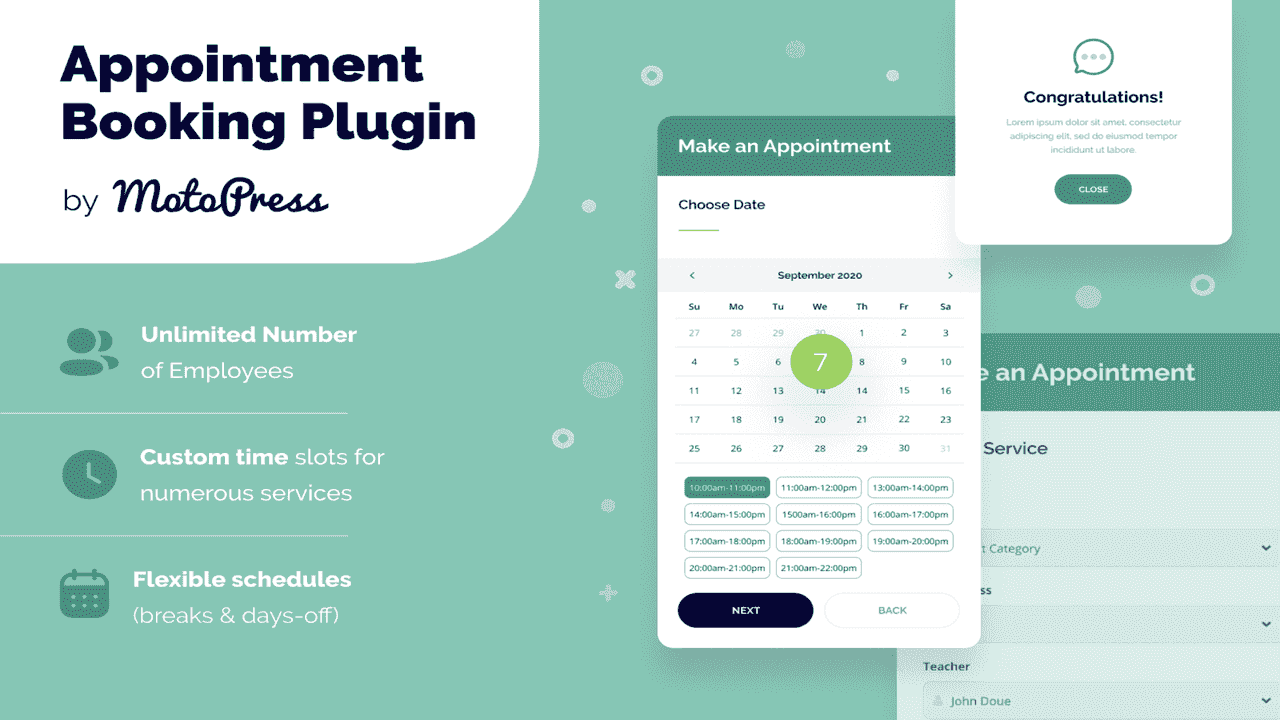
The MotoPress Appointment Booking WordPress Plugin puts a complete online scheduling system into your WordPress site. It was built from the ground up for service-based businesses—salons, clinics, fitness studios, tutoring services, and multi-location enterprises—that need more than a basic calendar. With this plugin, your customers can browse services, choose a staff member, pick a time, and confirm their appointment directly on your website. You manage everything from your WordPress dashboard without complicated setup or third-party dependencies.
An online booking system cuts down on phone tag and email chains that slow your business down. Customers see only real-time available slots, which means no double bookings or scheduling conflicts. Your team spends less time coordinating appointments and more time delivering services.
When customers can book on their own schedule—late at night, during their lunch break, or while commuting—you capture appointments that phone-based scheduling simply misses. Because the booking assistant guides customers through every step, you also reduce incomplete bookings and support requests.
The result is better organization, higher productivity, and a more professional experience for every client who visits your site.
This plugin works for any business that runs on scheduled appointments:
When a customer visits your site, they open the booking form and follow a simple process: choose a service, pick an available staff member, select a date and time, and confirm. The booking appears instantly in your WordPress dashboard with all the details—service type, location, assigned staff, customer information, and pricing.
From the dashboard, you can confirm, edit, or manage the reservation at any time. Need to change a customer’s phone number? Update the booking status? Adjust the price for a specific appointment? It’s all handled from one place, with no need to switch between tools or platforms.
Generic calendar plugins only handle basic availability. MotoPress Appointment Booking was built specifically for service businesses that need team scheduling, multi-location management, buffer times, recurring bookings, and customer-facing booking forms—all within WordPress.
It integrates natively into the WordPress ecosystem you already use, so there’s no need to learn a new platform or maintain a separate booking tool. Whether you’re a solo practitioner managing a handful of weekly appointments or running a team across several locations, the plugin scales with your business without adding complexity.
Yes. The plugin supports unlimited categorized locations, so you can offer different services at each store or branch.
Yes. The booking assistant is fully responsive and optimized for mobile devices, ensuring a smooth experience on any screen size.
Yes. You can add buffer times before and after each booking to account for setup, cleanup, or transition periods.
Yes. You can configure services to allow overlapping bookings, making it suitable for group sessions or shared resources.
Yes. From the WordPress dashboard, you can manually edit customer information, change booking status, and adjust service pricing at any time.
The MotoPress Appointment Booking WordPress Plugin gives service-based businesses a complete scheduling solution. With flexible service management, real-time online booking, team and location support, and full backend control, it helps you organize operations, reduce no-shows, and deliver a professional booking experience—directly from your WordPress site.
Streamline your business scheduling with the MotoPress Appointment Booking WordPress Plugin. Built for service-based businesses, it puts a professional online booking system directly on your WordPress site so customers can book in real time while you manage staff, services, and locations from your dashboard.Accept real-time online bookings with customizable time slotsManage unlimited employees, services, and multiple locationsSet staff schedules, buffer times, and availability blocksStep-by-step booking assistant for a seamless customer experienceFull backend control to edit reservations, customer details, and pricing