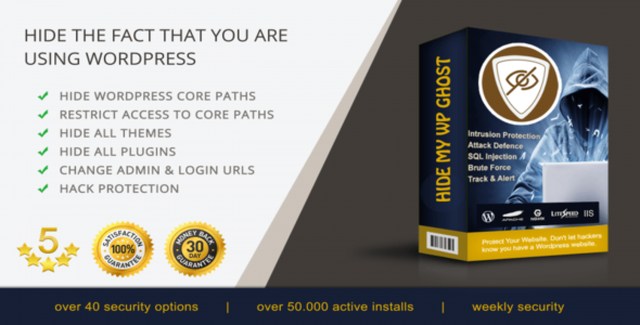
Hide My WP Ghost Premium is a WordPress security plugin that takes a different approach to protection: instead of only blocking known threats, it makes your site invisible to automated attacks by hiding the standard WordPress fingerprints that bots and hackers scan for. By rewriting common paths — wp-admin, wp-login.php, plugin and theme directories — through server-side redirects, the plugin removes the roadmap attackers rely on to locate vulnerabilities.
The result is a site that functions normally for legitimate users while presenting a blank wall to automated scanners, brute-force bots, and scripted exploitation attempts. Over 50,000 websites currently run the plugin, which has blocked more than 1.4 million brute-force attacks and sent over 5,000 login alert notifications to site owners.
After installation, Hide My WP Ghost Premium maps your chosen custom paths (for example, /secure-panel/ instead of /wp-admin/) and handles all internal rewrites via WordPress hooks and server-level redirects. Visitors and administrators use the new paths; requests to the original paths return 404 or redirect safely. Because the plugin never rewrites core files, WordPress updates, plugin updates, and theme changes continue to work without reconfiguration.
Most security plugins react to threats after they reach your site. Hide My WP Ghost Premium prevents the reconnaissance phase entirely — if attackers cannot find your login page, plugin endpoints, or theme files, they cannot launch targeted exploits against them. The 50,000+ active installations and millions of blocked attacks demonstrate proven effectiveness in production environments. The redirect-based architecture means you gain this protection without the risk of breaking your site during updates or migrations.
No. All path changes are handled through automatic redirects. Your core files, plugins, and themes remain physically unchanged.
The plugin is built for compatibility with major caching solutions and CDNs. Standard cache exclusions for the new admin paths may be needed — documentation provides guidance.
Yes. A recovery method is included so administrators can regain access if the custom path is lost.
It focuses on hiding attack surfaces and blocking injection, brute-force, and XML-RPC attacks. It complements — not replaces — a Web Application Firewall, malware scanning, and good credential hygiene.
Minimal. The redirect layer adds only a few milliseconds per request and does not execute heavy scanning on each page load.
Hide My WP Ghost Premium gives you a practical, proven hardening layer that stops automated attacks before they start. By removing the default WordPress fingerprints that bots hunt for, it dramatically reduces noise in your logs, blocks credential-stuffing campaigns at the door, and lets you focus on running your site — not cleaning up compromises. Join 50,000+ site owners who sleep better knowing their WordPress installation is no longer an easy target.
Hide My WP Ghost Premium hardens your WordPress site by obscuring common paths, plugins, and themes that attackers target. It adds multiple security layers to block script injection, SQL injection, brute-force attempts, and XML-RPC attacks — all without modifying any files on your server.Hides wp-admin, wp-login, plugin and theme paths from bots and scannersBlocks brute-force, SQL injection, script injection, and XML-RPC attacks50,000+ sites protected with 1.4M+ brute-force attempts stoppedWorks via automatic redirects — no core files or directories alteredLogin alerts notify you of suspicious access attempts in real time