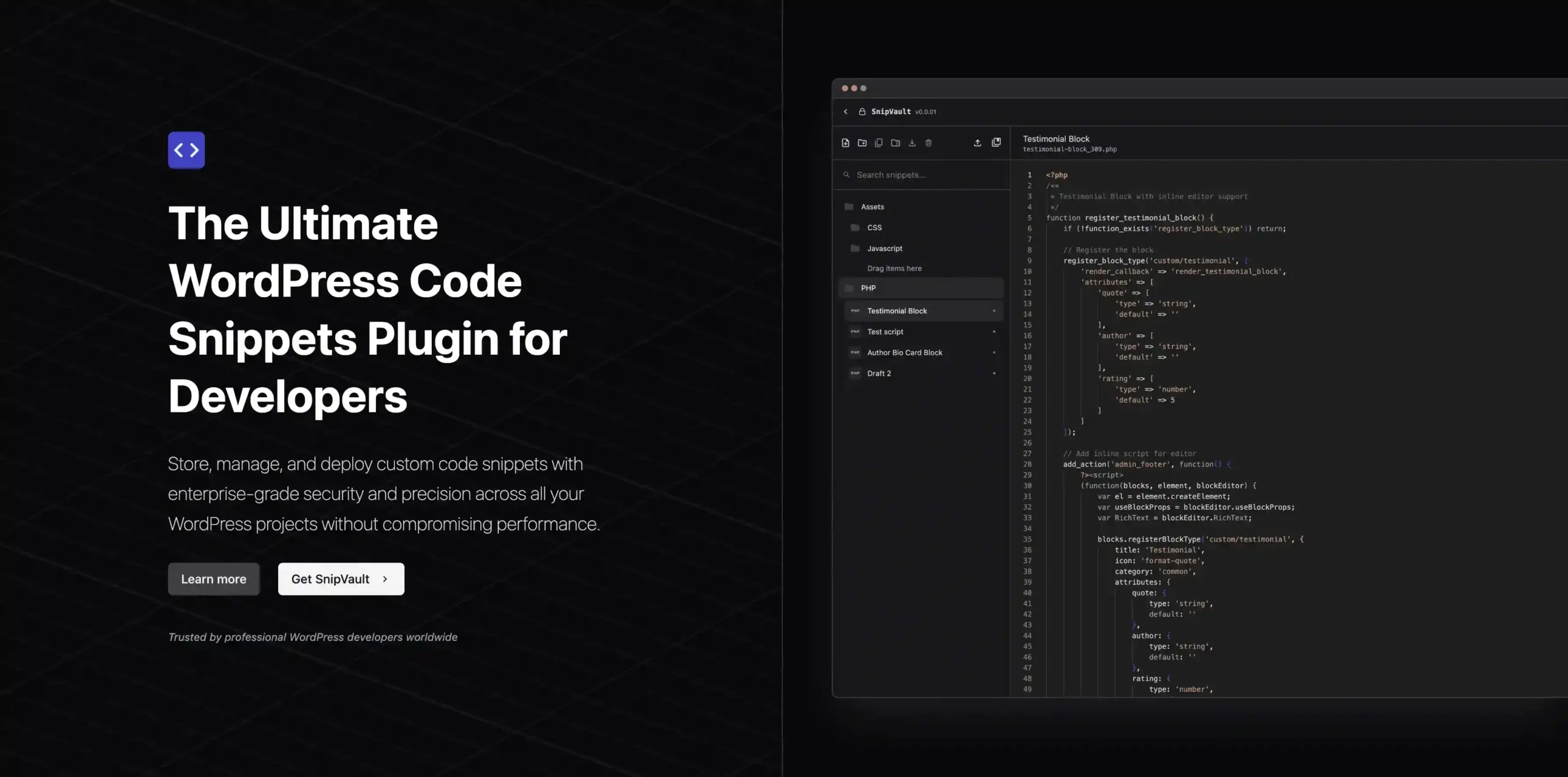
SnipVault is the ultimate WordPress code snippets plugin designed for developers who need a secure, efficient way to manage custom code across multiple projects. Whether you’re a freelancer juggling client sites or part of a development team, SnipVault provides the tools you need to store, track, and deploy snippets without slowing down your sites.
SnipVault transforms how you handle WordPress development. By centralizing your code snippets, you reduce errors and increase productivity. The version control system ensures you never lose track of changes, while the AI assistant helps you write better code faster. The condition builder improves site performance by loading snippets only when needed, and the CLI and SQL tools give you powerful control without leaving your dashboard.
SnipVault stands out because it combines essential code management features with advanced security and ease of use. You get the power of version control, AI assistance, and a full suite of developer tools—all in one plugin. Whether you’re a solo developer or part of a team, SnipVault helps you work smarter and deliver better results.
Yes, the intuitive condition builder and AI assistant make advanced customization accessible to developers of all skill levels.
Yes, SnipVault is designed to manage code snippets across all your WordPress projects.
SnipVault is built to load snippets only when needed, helping maintain optimal performance.
SnipVault includes robust security measures such as audit logs, time-limited activation for sensitive features, and strict access controls.
SnipVault is more than just a code snippets plugin—it’s a complete development toolkit that enhances your workflow, improves collaboration, and boosts efficiency. Try SnipVault today and experience the difference in your WordPress development process.
SnipVault is a powerful WordPress code snippets plugin that lets you securely store, manage, and deploy custom code across all your projects. With built-in version control, an AI assistant, and an intuitive condition builder, you can streamline your development workflow without compromising performance.Comprehensive version control for tracking every changeAI assistant for intelligent code suggestions and refactoringVisual condition builder for targeted snippet executionIntegrated WP-CLI and SQL editor for advanced management
From multipurpose themes to niche templates