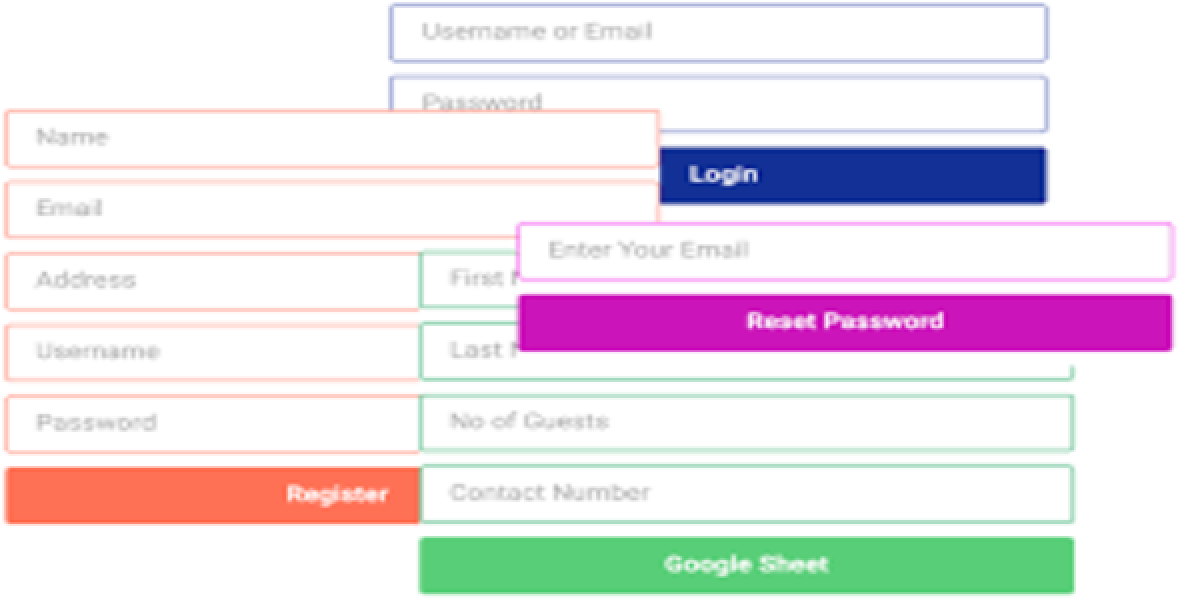
The Frontend Post Submission Manager is a premium WordPress plugin designed to transform how your website handles user-generated content. By enabling users to submit posts directly from the frontend of your site, this plugin removes the need to access the confusing WordPress backend dashboard. Whether you want to allow logged-in contributors to manage their content or enable guest posting for wider audience engagement, this tool provides a seamless, user-friendly experience.
At its core, the plugin simplifies content collection and management. Website administrators can effortlessly receive, review, and organize submissions without navigating complex admin panels. This streamlined approach not only saves time but also fosters a more interactive and dynamic community around your brand.
Implementing a frontend submission system significantly enhances the user experience. By allowing contributors and guests to submit content without backend access, you maintain strict security while reducing friction. The drag-and-drop builder ensures you can tailor forms to exact specifications, collecting the precise data you need.
For site administrators, the ability to configure post statuses, set authors, and manage custom fields from a centralized frontend dashboard drastically reduces administrative overhead. Automated notifications keep both admins and users informed, while Ajax submission ensures the process feels modern and responsive.
Do users need to log in to submit a post?
No, the plugin fully supports guest posting. You can configure forms to accept submissions from users whether they are logged in or not.
Can I customize the submission forms?
Yes, you can create unlimited forms using the drag-and-drop builder. You can add unlimited custom fields with various types like text areas, checkboxes, datepickers, and file uploaders.
Does this plugin work with custom post types?
Absolutely. The Frontend Post Submission Manager supports both standard and custom post types, as well as standard and custom taxonomies.
How are submissions secured against spam?
The plugin features secure form submission integrated with Google reCAPTCHA to prevent automated spam and bot submissions.
Can I control what happens after a user submits a post?
Yes, you can configure the status of the sent post, set up the post author, define the post format, and even set a redirection option to navigate users to a specific page after a successful submission.
The Frontend Post Submission Manager is an essential tool for any WordPress site looking to leverage user-generated content. By combining a powerful drag-and-drop form builder with an intuitive frontend management dashboard, it offers a complete solution for collecting and organizing posts securely. Enhance your community engagement and streamline your content workflow today.
Streamline your WordPress content workflow with the Frontend Post Submission Manager. This powerful plugin allows users to submit posts directly from the front of your site, with or without logging in. Featuring an intuitive drag-and-drop form builder and a comprehensive frontend dashboard, it simplifies content management and boosts user engagement.Drag-and-drop form builder with unlimited custom fieldsSupports guest posting and custom post typesSecure submissions integrated with Google reCAPTCHAAjax-powered frontend post management dashboardCustomizable layouts with over 20 pre-designed models